
Automated Hourly Sending of Google Sheets Report in XLSX via Email
Google Apps Script automation that exports a Google Sheet to an XLSX file every hour and sends it to specified email addresses.
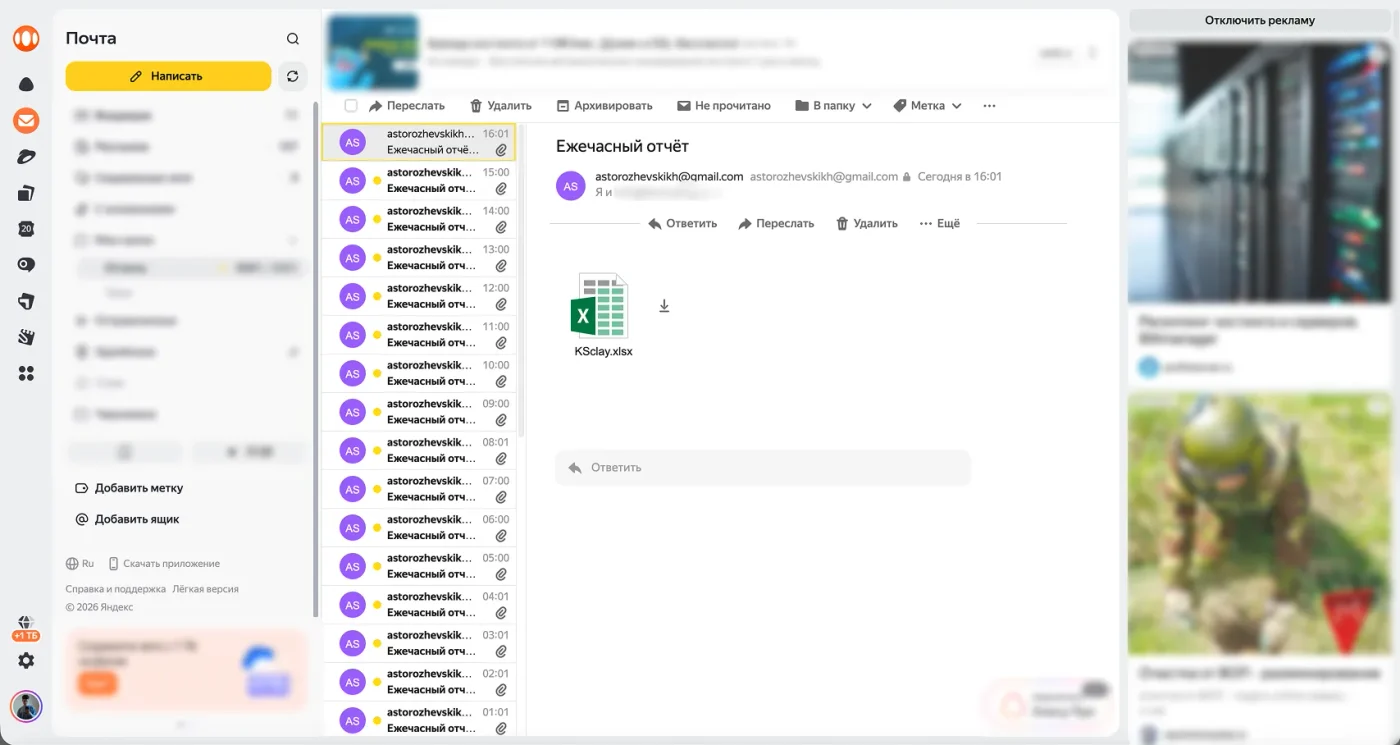
Slide 1 of 2
DESCRIPTION
The project is implemented as a Google Apps Script for automated hourly sending of a report from Google Sheets in Excel format. The code uses the Google Sheet ID, a list of recipients, the final file name, the email subject, and a sending mode flag that determines whether to trigger the sending exactly at the start of each hour.
Report export and email delivery
The main sending function `doSend_()` opens the Google Sheet by `SHEET_ID`, constructs the export URL via the standard Google Sheets endpoint `/export?format=xlsx`, retrieves the XLSX file using `UrlFetchApp.fetch()`, and authorizes the request with the OAuth token of the current script via `ScriptApp.getOAuthToken()`. The received response is converted to a blob, the file is named `KSclay.xlsx`, and then it is sent as an attachment to two recipients via `MailApp.sendEmail()`.
Time-based trigger scheduling
A separate logic for managing time-based triggers is implemented for scheduling. The function `nextTopOfHour_()` calculates the nearest next whole hour: it resets minutes, seconds, and milliseconds to zero, and if the calculated time has already passed or matches the current moment, it shifts the trigger to the next hour. This allows avoiding the approximate `everyHours(1)` in precise sending mode, creating a one-time trigger for a specific time each time.
Function structure and trigger cleanup
The script architecture is divided into several utility functions: sending email, calculating the next run, clearing triggers, checking existing triggers, setting up the schedule, handling hourly triggers, and manual testing. To prevent duplicates, it includes a cleanup of only the script-related triggers via `clearOurTriggers_()`. This removes handlers `tick_`, `doSend_`, and old handlers starting with `sendAt_`. There is also a separate emergency function `wipeAllTriggers()`, which removes all triggers of the project entirely.
Exact on-the-hour mode
In `EXACT_ON_THE_HOUR = true` mode, the handler `tick_()` is used. It performs the report sending via `doSend_()`, and then in the `finally` block, it removes the current `tick_` triggers and creates a new one-time trigger for the next whole hour. This approach ensures that the rescheduling of the next run occurs even in case of an error during sending, as far as the execution of the `finally` block allows.
Initial setup and manual test
For initial setup, the function `setupOnce()` is used: it needs to be run manually once to set the first trigger. For manual verification, there is a function `testNow()`, which immediately triggers the email sending without waiting for the schedule. The code has no external npm dependencies, package.json, database, user interface, or separate data layer; the project is entirely built on the built-in services of Google Apps Script.
TOOLS USED
- Google Apps Script
- JavaScript
- Google Sheets API export endpoint
- SpreadsheetApp
- UrlFetchApp
- ScriptApp
- MailApp
- time-based triggers
- OAuth token Google Apps Script
RESULT
- Automated sending of Google Sheets in XLSX format to multiple email addresses has been implemented.
- Export of Google Sheets via `/export?format=xlsx` with OAuth token authorization of the script has been configured.
- Sending of the Excel file as an email attachment via `MailApp.sendEmail()` has been implemented.
- A sending mode exactly at 00 minutes of each hour has been added through one-time time-based triggers.
- Calculation of the nearest next whole hour for precise scheduling of runs has been implemented.
- Automatic rescheduling of the trigger after each execution of the `tick_()` handler has been added.
- Cleanup of old and duplicate triggers related to this script has been provided.
- An emergency function for complete cleanup of project triggers has been added.
- A manual initialization function for the schedule `setupOnce()` has been added.
- A manual test sending function `testNow()` without waiting for the next hour has been added.
AI-ASSISTANT
Ask a question about this project